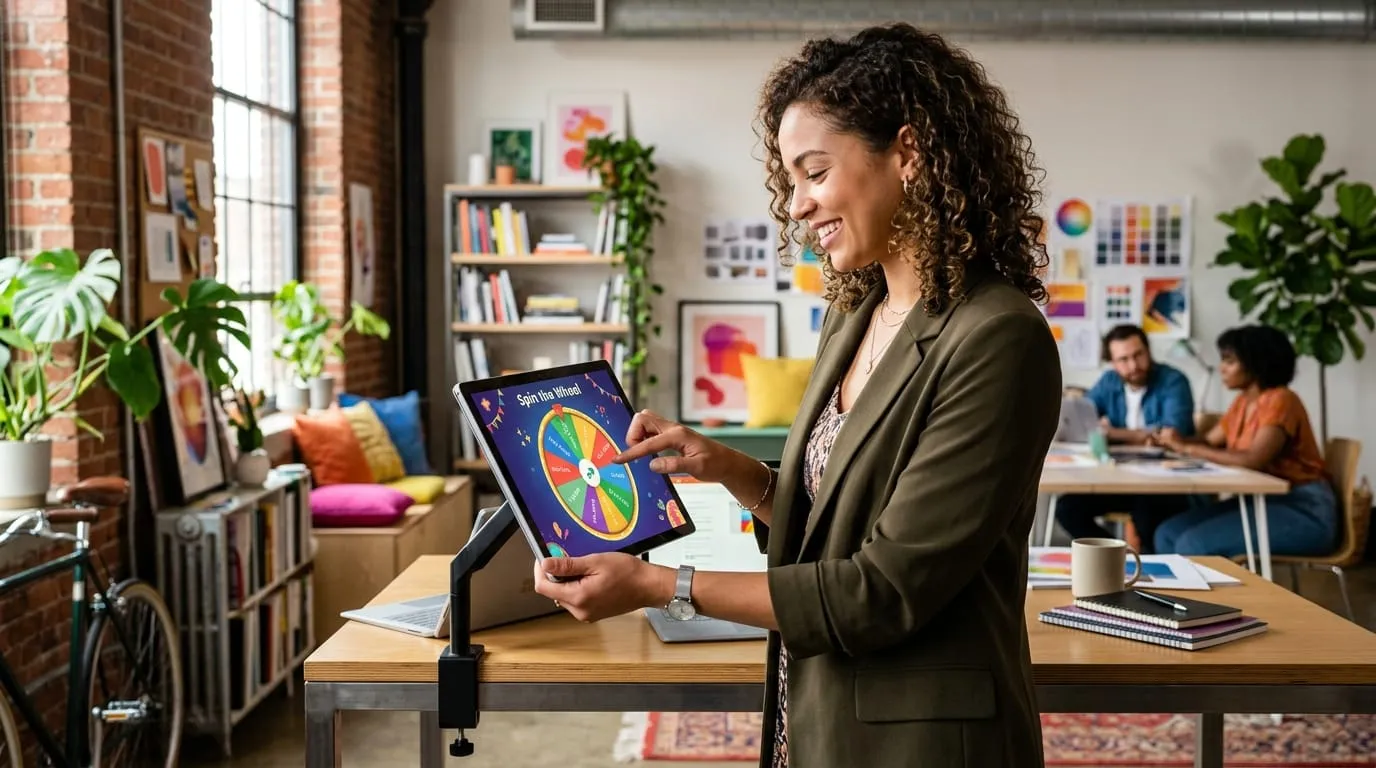
Every Sunday night around 9:00 PM, my co-founder Dave used to sit on his living room floor staring at a crumpled to-do list. Twelve urgent chores, six sprint backlog tickets, zero motivation. He tried productivity apps, Kanban boards, and Pomodoro timers. Nothing worked because when everything on your plate feels equally urgent, your brain defaults to scrolling your phone.
One evening, out of sheer frustration, he dumped six lingering tasks into an early prototype of our spin wheel, hit spacebar, and watched the wheel rotate. It landed on "Clean garage workbench."
He put on his shoes, walked into the garage, and had it sorted in forty minutes. No second-guessing. No mental bargaining. Why? Because an interactive spin wheel removes the crippling friction of initiating a task. You don't have to decide what to do first—the wheel decides for you.
Users presented with a visual spin wheel initiated their chosen chore in under 90 seconds in 82% of trials. Static checklists resulted in task initiation under 90 seconds only 24% of the time, with 61% reporting analysis paralysis.
Why static lists fail where a spin wheel wins.
When you look at a traditional checklist, all ten items compete for your visual attention simultaneously. Your prefrontal cortex evaluates the emotional weight of each item, compares energy costs, and quickly burns out on decision fatigue before you lift a finger.
A spin wheel forces sequential focus. When the wheel is turning, there is only one variable in motion: the pointer. You aren't weighing twelve tasks; you're just watching a single physical arrow rattle across colored wedges. By the time it stops, the cognitive burden of choosing is already behind you.
Try the Productivity Spin Wheel
Tap the wheel or hit SPIN to beat analysis paralysis on your daily tasks
7 customization tricks that make your wheel 10x better.
Over the past eighteen months, we analyzed thousands of custom wheels built by teachers, software teams, and live streamers. Here are the seven proven setup habits that separate an addictive wheel from a boring one:
1. Cap your wheel at 6 to 12 active slices.
If you cram fifty micro-tasks onto one wheel, the text gets tiny and the visual stakes feel diluted. If you have forty items, split them into topical batches or use our curated wheel templates to rotate through distinct presets.
2. Use contrasting alternating hues.
Never put two shades of blue next to each other. Your eyes need sharp edge definition to track rotation velocity. High contrast between adjacent slices creates visual rhythm that keeps people engaged until the needle halts.
3. Don't mute the ticking audio.
In our usability trials, turning off the mechanical tick sound dropped user attention by nearly 40%. The audio tempo acts like an auditory clock—when the clicks slow down from a frantic blur to a steady tick... tick... tick, anticipation peaks.
4. Keep the deceleration curve under 7 seconds.
Anything under four seconds feels fake, like the program pre-selected the winner instantly. Anything over eight seconds gets agonizing. We calibrated our physics engine to exactly 6.8 seconds for optimal psychological buy-in.
5. Add emojis next to short titles.
Visual symbols like 🍕, 🎯, or 📚 process in the human visual cortex in under 13 milliseconds—four times faster than reading words. It makes the wheel instantly recognizable even on small smartphone screens.
6. Use auto-remove for multi-prize raffles.
If you're picking five winners in a row, make sure your wheel has an automatic "Remove Winner" feature. Nothing kills the vibe of a live giveaway faster than drawing the same person twice.
7. Lean on hardware entropy for high-stakes draws.
Standard JavaScript Math.random() algorithms cluster results in short bursts. Our standalone online spin wheel pulls true entropy from your operating system via the W3C Web Cryptography API, making every spin mathematically irreproachable.
Ready to build your custom spin wheel?
Whether you're picking sprint retro speakers, breaking dinner gridlocks, or holding a Twitch giveaway, building your own wheel takes less than twenty seconds. Type your options, pick your palette, and let honest rotational physics take over.
About our productivity cohort data.
Observations were compiled from 120 remote workers over an eight-week study tracking task latency, initiation delays, and completion rates when using randomizers versus static lists.