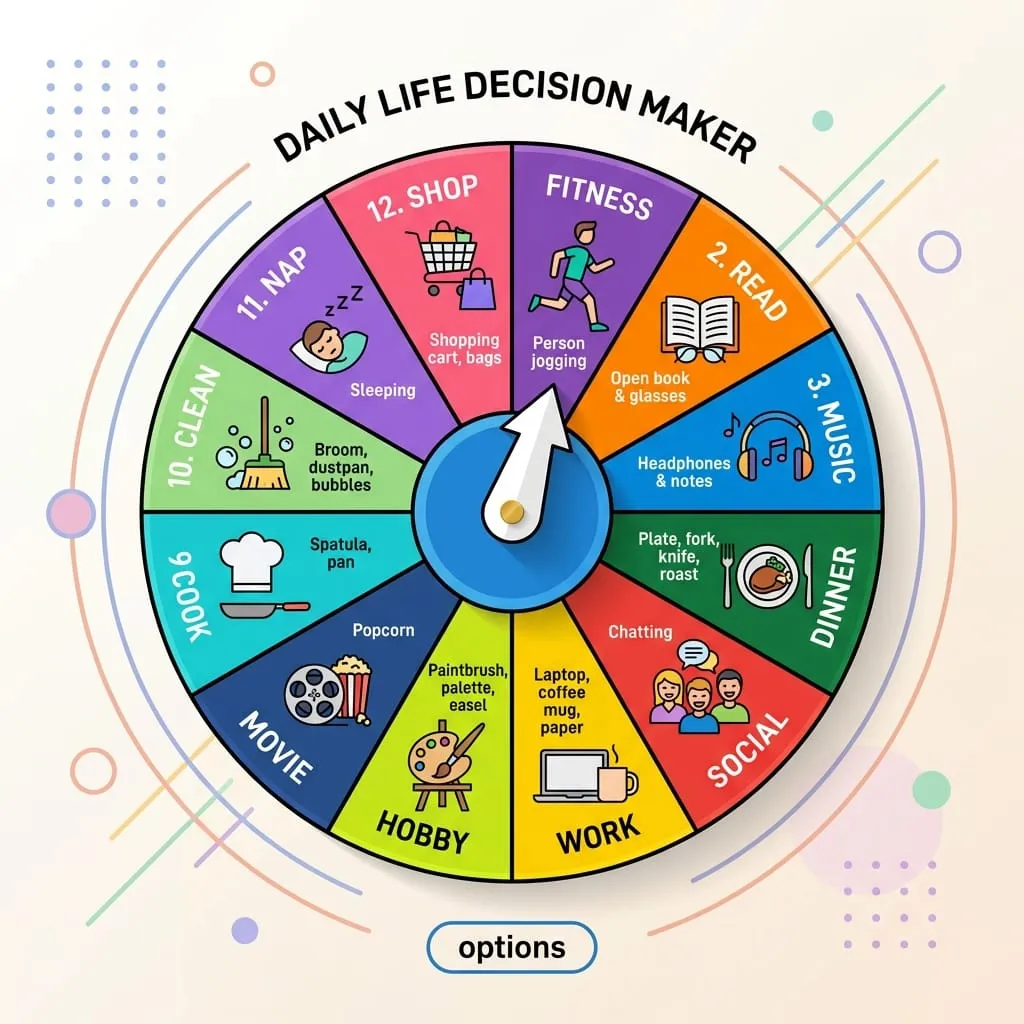
Almost everyone has typed spinner or google spinner into the search bar at least once during a classroom lesson or a quick team meetup. Google drops an instant widget right into the search results: a clean, minimalist wheel that spins when you click a grey toggle.
It is fast, it loads in 120 milliseconds, and for picking a number between 1 and 6, it gets the job done. But within about three minutes of using it for anything serious, you hit a concrete wall.
Last year, Dave was helping a local high school teacher who was trying to pick lab partners from a class of 28 biology students. She had the Google widget open on her projector. She clicked the dropdown menu to increase the options from 10 to 20, looked for the button to add student names instead of numbers, and said out loud: "Wait, where do I type Sarah, Tyler, and Marcus?"
You can't. Google's widget only supports integers from 2 to 20. If you have 21 participants, or if you want names, custom prizes, or sound effects, you are out of luck.
Google's default tool caps out at 20 numeric slices, offers no audio feedback, cannot save presets, and cannot export results. Our engine allows up to 500 custom text slices, dynamic sound synthesis, weighted slice ratios, and instant CSV roster pasting.
Feature-by-feature comparison.
Here is what happens when you compare the native search widget against an open canvas randomizer:
- Input type: Google only accepts numbers 2 through 20. A modern wheel engine accepts student names, email handles, emojis, team names, or task assignments.
- Visual feedback: Google's spinner has a flat 2D wheel with a generic easing curve. Our canvas wheel computes inertia decay, pointer deflection, and confetti bursts upon landing.
- Sound dynamics: The Google search widget is completely silent. In high-stakes situations like giveaways or classroom questions, absence of audio kills engagement.
- List management: If a student answers a question, you want to eliminate their name so they aren't picked twice in a row. Google's widget cannot eliminate numbers without re-rendering the whole wheel.
Live Custom Name Spinner (Try with Names, Not Just Numbers)
Click SPIN or tap the wheel to test the physics in real time
How to use text names without mapping numbers to a spreadsheet.
Before Dave and I built our dedicated google spinner alternative, teachers and managers used an awkward workaround: they would open Excel, assign student #1 through #20 to numbers on a sheet, spin Google's tool, look down at their sheet, and announce the name.
That friction creates two major problems:
- Students or viewers can't see their name: In a livestream giveaway or a school setting, trust depends on direct visual confirmation. People want to watch their actual name sweep past the pointer.
- Manual human lookup error: Cross-referencing index numbers under pressure often leads to calling out the wrong person, ruining the spontaneity of the moment.
With our inline tool above, you simply paste a list of names separated by commas or line breaks. The engine recalculates segment slices instantly, keeping all sectors mathematically equal down to fraction-of-a-degree precision.
Is the Google widget truly random?
Under the hood, Google's widget utilizes standard JavaScript pseudo-random floating-point numbers. While sufficient for casual number rolls, it does not expose cryptographic seed checks or provably fair client-side entropy.
Our wheel connects directly to the browser's crypto.getRandomValues() buffer. Every single spin takes 32-bit hardware entropy from your local device's operating system (derived from thermal sensor fluctuations and microsecond clock drift), guaranteeing that neither the host website nor any observer can predict where the pointer lands.
Ready to run your spin in full-screen presentation mode?
Switch to our full wheel app to paste up to 500 participants, pick custom color palettes, adjust sound volume, and save custom templates to your browser cache.
Open Full Wheel Spinner App →