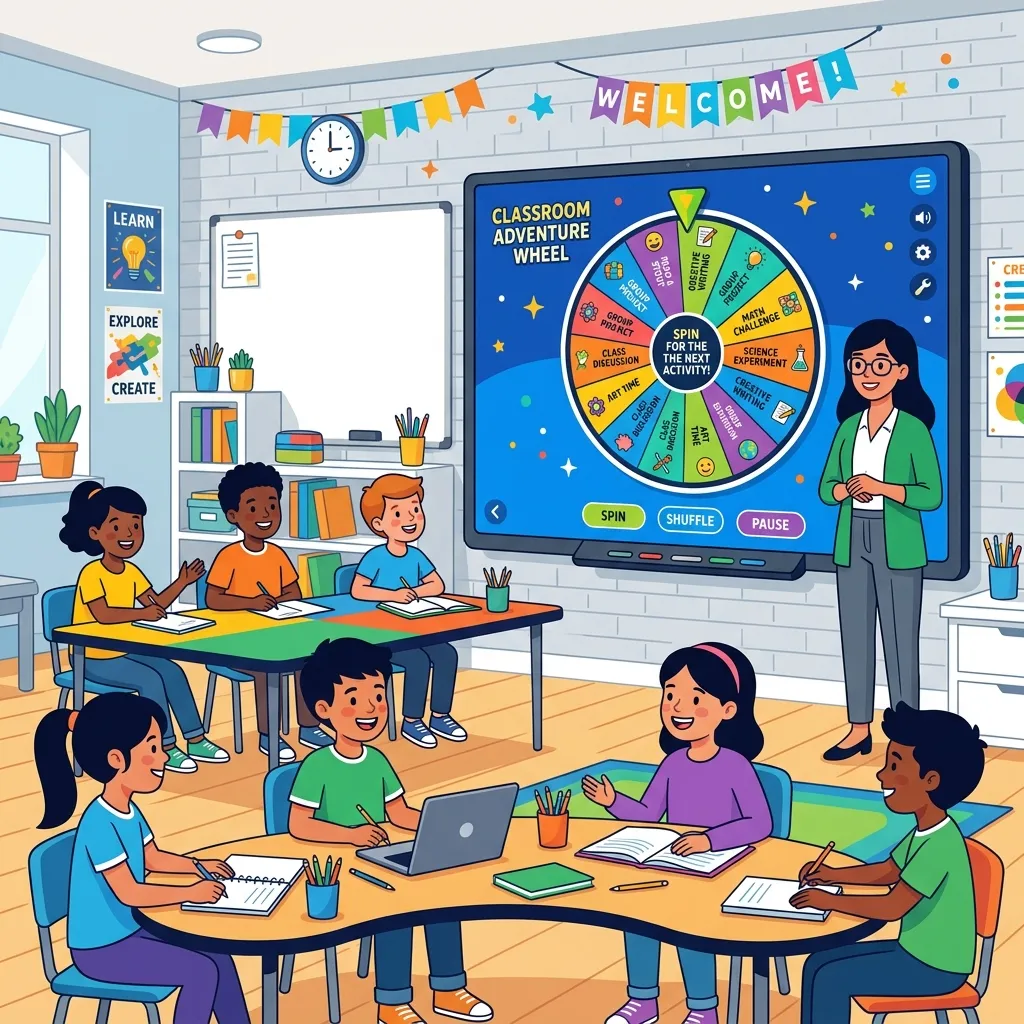
In the dynamic world of modern education, capturing and maintaining student attention is an ongoing challenge. Teachers are constantly on the lookout for innovative student engagement tools that can transform a mundane lesson into an interactive and exciting experience. Enter the classroom spin wheel, a surprisingly simple yet incredibly effective digital tool that is revolutionizing how educators manage participation, distribute tasks, and inject a sense of fun into their daily routines.
If you have ever struggled with ensuring fair participation, or if you are simply looking for a robust wheel of names alternative that offers more features and flexibility, you are in the right place. This comprehensive guide will explore the myriad ways a digital spinner can benefit your teaching practice, enhance the learning environment, and keep your students on the edge of their seats.
From kindergarten circles to high school physics labs, the need for equitable and engaging methodologies is universal. The integration of technology in the classroom has provided educators with powerful options, but few are as universally loved and instantly understood as a colorful, spinning wheel. Let us dive deep into why this tool is essential and how you can maximize its potential.
Why You Need a Classroom Spin Wheel
The concept of randomly selecting a student or a topic is not new. For decades, teachers have used popsicle sticks in a jar or drawing names from a hat. However, a digital classroom spin wheel takes this concept to the next level by adding visual flair, auditory suspense, and seamless integration with modern technology setups like smartboards and projectors. By making the selection process visible and exciting, you instantly boost the energy in the room.
Moreover, digital tools offer unparalleled convenience. You can save multiple lists, customize the look and feel to match your classroom theme, and avoid the hassle of losing physical tokens. But beyond convenience, there are deep pedagogical reasons to incorporate these tools into your daily instruction. The transition from physical to digital tools is not just about modernization; it is about optimizing the learning experience.
The Psychology of Randomness in Education
Randomness plays a fascinating role in human psychology. It creates a mild sense of unpredictability that stimulates the brain, releasing dopamine and increasing alertness. When students know that a random name picker for teachers might select them at any moment, they are more likely to stay focused and engaged with the material. This concept, often tied to variable ratio reinforcement, is a powerful motivator.
According to educational resources like Edutopia, maintaining a level of positive unpredictability can prevent habituation, where students tune out because the classroom routine has become too predictable. A spin wheel introduces exactly the right amount of surprise, keeping the brain actively scanning the environment and processing information.
Fairness and Equity
One of the most significant advantages of using a randomized tool is the promotion of equity. Implicit bias can unintentionally influence which students a teacher calls on. A digital spinner removes this bias completely. Every student has an equal mathematical probability of being selected, ensuring that quiet students are given a voice and dominant students don't monopolize the conversation. This visible fairness builds trust between the teacher and the students.
A Note on Anxiety
While randomness increases engagement, it is crucial to balance it with student well-being. For some students, the prospect of being called on randomly can induce anxiety. To mitigate this, teachers can use the wheel for low-stakes questions first, allowing students to "pass" or ask a peer for help, creating a safe and supportive environment while still utilizing effective student engagement tools.
Top Ways to Use a Random Name Picker for Teachers
The versatility of a digital spinner extends far beyond simple recitation. Here are some of the most innovative and practical ways educators are utilizing this technology to enhance their classrooms.
1. Cold Calling Without the Chill
Traditional cold calling can feel punitive or intimidating. By framing it with a colorful, spinning wheel, the process becomes a game. When the random name picker for teachers lands on a student, the class often cheers, transforming a high-pressure moment into a shared, gamified experience. This works exceptionally well for checking for understanding during direct instruction. It shifts the dynamic from a teacher demanding an answer to the wheel selecting a participant.
2. Distributing Classroom Jobs
Assigning classroom responsibilities (such as line leader, paper passer, or tech helper) can sometimes lead to disputes. A spin wheel democratizes this process. You can create a wheel with all the jobs and spin it for each student, or vice versa. If you are looking for ready-made lists, check out our pre-made templates to get started quickly and efficiently without having to type out every single chore.
Weekly Rotations
For jobs that rotate weekly, you can save your specific class wheel and simply remove the names of students who have already had a turn that month, ensuring everyone gets a chance to contribute to the classroom community. This visual elimination process reinforces the fairness of the system to the students.
3. Rewards and Incentives
Positive reinforcement is a cornerstone of effective classroom management. Instead of a standard reward system, create a "Prize Wheel." When a student or group earns a reward, they get to spin the wheel to determine their prize: be it five minutes of free time, choosing their seat for the day, or a tangible reward like a sticker or homework pass.
Gamification Strategies
Gamifying the classroom has been shown to increase motivation significantly. The suspense of the spinning wheel adds a layer of excitement that a simple point system lacks. It taps into the same psychological mechanisms that make board games and video games so captivating, aligning perfectly with modern educational gamification strategies.
Watch this video to explore how interactive elements and random selection can dramatically transform learning environments for the better.
Moving Beyond Basic Student Engagement Tools
While name picking and job assignment are excellent starting points, the true power of a classroom spin wheel lies in its flexibility to adapt to actual curriculum content. It is not just about classroom management; it is a dynamic instrument for instructional delivery.
Integrating with Lesson Plans
You can populate the wheel with anything, not just names. This makes it an incredibly powerful and versatile instructional tool across all subjects and grade levels.
Review Games and Formative Assessment
Before a test, populate the wheel with different topics, vocabulary words, or point values. Spin to determine which category the next review question will come from. This keeps the review session dynamic and prevents it from becoming a monotonous drill. You can even combine it with a raffle generator wheel logic to select which team gets to answer, adding a competitive edge that students love.
Topic Selection for Projects
For project-based learning or creative writing assignments, students sometimes struggle with choosing a topic. A spin wheel loaded with writing prompts, historical figures, or scientific concepts can make the decision for them, pushing them out of their comfort zones and encouraging creative problem-solving and diverse outputs across the classroom.
Choosing the Right Wheel of Names Alternative
If you have used basic spinners in the past, you might have found them lacking in features or plagued by intrusive advertisements that distract from the lesson. When searching for a robust wheel of names alternative, there are several key factors to consider to ensure you get the absolute best experience for your classroom environment.
What to Look For in a Digital Spinner
The ideal tool should be ad-free (or have a safe, strictly educational mode), incredibly easy to use, and highly customizable. It should allow you to save multiple lists and access them seamlessly from any device, whether you are presenting from your main desktop computer, circulating the room with a tablet, or even using a mobile phone as a remote control.
Customization Options and Branding
Every classroom is unique, and your instructional tools should reflect that individual character. Look for platforms that allow you to change the colors to match your school spirit, classroom decor, or current unit of study. The ability to add images to the wheel slices can also be incredibly helpful for younger students who might not be strong readers yet, or for foreign language teachers wanting to use visual vocabulary instead of text.
Sensory Details: Visuals and Audio
The sensory experience matters immensely in maintaining attention. High-quality visual animations and engaging sound effects (like a realistic ticking sound as the wheel slows down, followed by a celebratory fanfare when it stops) significantly enhance the engagement factor. However, a premium tool will also give you the option to easily mute these sounds for days when the classroom needs a quieter, more focused environment.
For a deeper dive into the mathematical and historical context of random selection processes and their applications across various fields, you might want to explore the detailed Wikipedia page on Randomness.
How to Create Your First Spin Wheel
Getting started with this technology is incredibly simple. If you are ready to revolutionize your classroom management and instructional delivery, here is a straightforward guide on how you can set up your very first spin wheel today.
Step-by-Step Configuration Guide
- Navigate to the Main Tool: Head over to our homepage to access the primary spinner interface. You will find a clean, intuitive dashboard waiting for you.
- Input Your Classroom Data: In the text box provided, type or paste your list of student names, spelling words, math problems, or reward options. Ensure you put each item on a new line for proper formatting on the wheel slices.
- Customize the Aesthetics: Use the settings menu to adjust the slice colors, add a catchy title in the center, and select your preferred spin duration and sound effects.
- Save for Future Lessons: If the platform allows (and ours certainly does), create a free account or bookmark the unique URL so you can instantly access this specific wheel configuration again tomorrow without rebuilding it.
- Spin and Engage! Project your screen to the class smartboard, click the center of the wheel, and watch the engagement and excitement levels soar instantly.
The integration of a digital spinner into your daily routine takes mere minutes of prep time but pays massive dividends in long-term student focus, participation equity, and overall classroom atmosphere.
Frequently Asked Questions (FAQ)
Is a digital spin wheel appropriate for high school and middle school students?
Absolutely! While the novelty factor might manifest differently than with elementary students, middle and high schoolers still highly appreciate fairness, transparency, and a break from the standard lecture routine. A classroom spin wheel is an excellent tool for assigning presentation orders, picking debate topics, or managing study groups in upper grades. It effectively removes the social pressure and perception of the teacher "picking on" specific individuals.
Can I effectively use these tools for remote or hybrid learning models?
Yes, without a doubt. Digital spinners are arguably even more valuable in remote settings where keeping students engaged through a computer screen is notoriously difficult. By sharing your screen on platforms like Zoom, Microsoft Teams, or Google Meet, you can use the spinner to call on students, ensuring that remote learners feel just as involved and seen as those sitting in the physical classroom.
Are there privacy concerns with entering my students' real names?
This is a crucial and responsible question for any educator. You should always ensure that the student engagement tools you use comply fully with your school district's data privacy policies (such as FERPA compliance in the United States). Reputable tools process the names locally within your browser and do not store them on public databases or servers without explicit permission. If you are ever unsure, a best practice is to use student numbers instead of names (e.g., Student 1, Student 2) to maintain complete privacy and anonymity while still enjoying the benefits of random selection.
How does this compare to other basic random name pickers or popsicle sticks?
While a simple random number generator, a basic text list picker, or pulling physical sticks from a jar can accomplish the mathematical task of random selection, they entirely lack the theatricality and visual engagement of a spinning wheel. As a true, premium wheel of names alternative, a dedicated spin wheel focuses heavily on the user experience (both for the teacher managing the flow of the lesson and the students watching the outcome), making the selection process a shared event rather than just a dry administrative task.
How can I be certain the wheel is truly random and not rigged?
High-quality digital spinners use advanced cryptographic algorithms and random number generators built directly into modern web browsers to ensure true mathematical randomness. Unlike a physical, wooden wheel that might have a weight bias, a worn bearing, or be affected by exactly how hard it is manually spun, a well-programmed digital wheel guarantees that every single slice has an exact, mathematically equal probability of being selected every single time you click the spin button.
Can I embed the wheel directly into my presentation slides?
Many modern presentation software platforms, such as Google Slides and certain versions of PowerPoint, allow you to embed web pages or use add-ons. Depending on the specific wheel of names alternative you choose, you may be able to embed an iframe directly into your slides, allowing you to spin the wheel without ever having to break the flow of your presentation by switching tabs or minimizing windows.
In conclusion, adopting a classroom spin wheel is far more than just introducing a flashy digital gimmick to your students. It represents a fundamental shift in how teachers can dynamically approach classroom management, ensure equitable student participation, and invigorate content review sessions. By smartly leveraging the psychology of randomness, visibly ensuring equity, and providing an exciting visual stimulus, it easily stands out as one of the most effective, accessible, and adaptable student engagement tools available to educators today. Whether you are assigning daily chores, picking names for recitation, or creatively gamifying a unit test review, stepping up to a premium wheel of names alternative will undoubtedly bring a refreshing new level of energy, fairness, and fun to your educational environment.